 MauLu
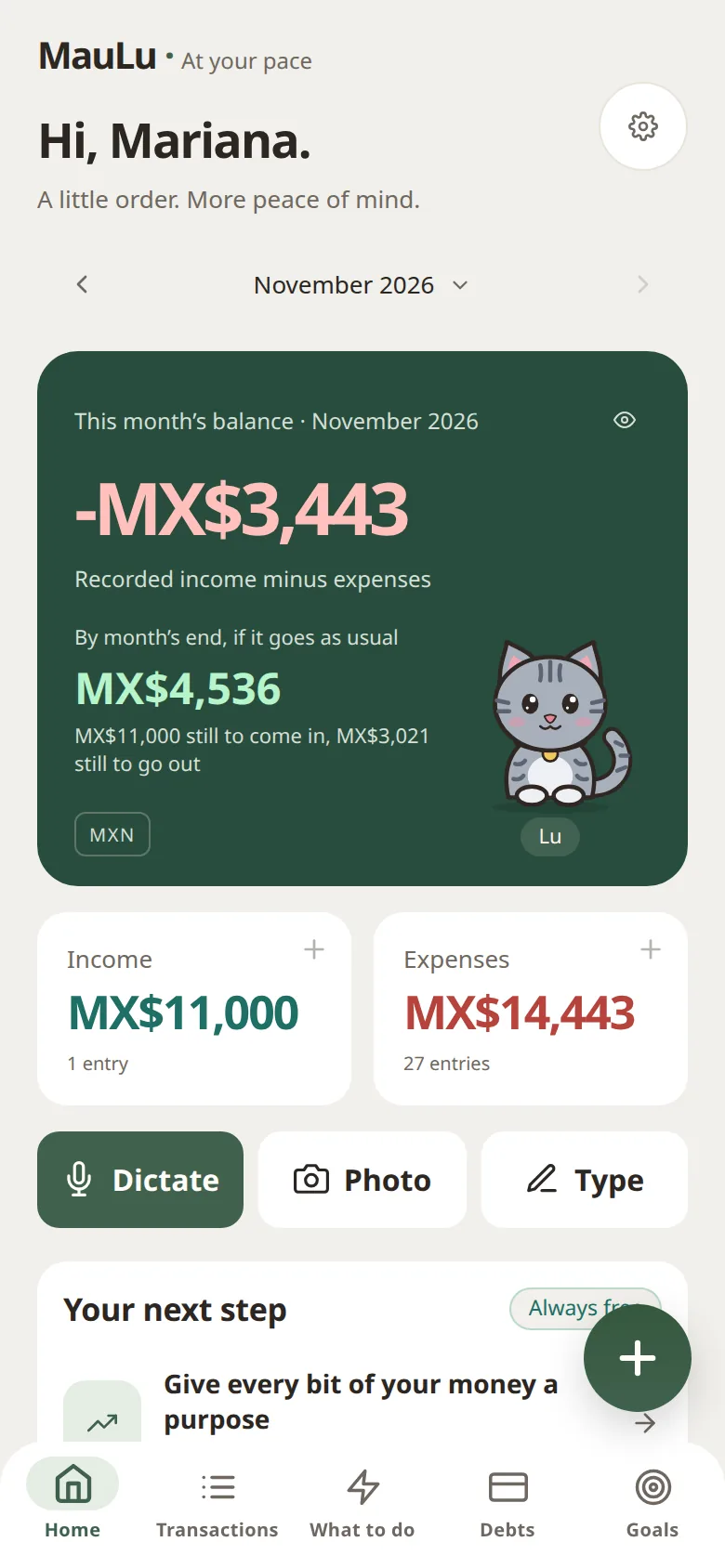
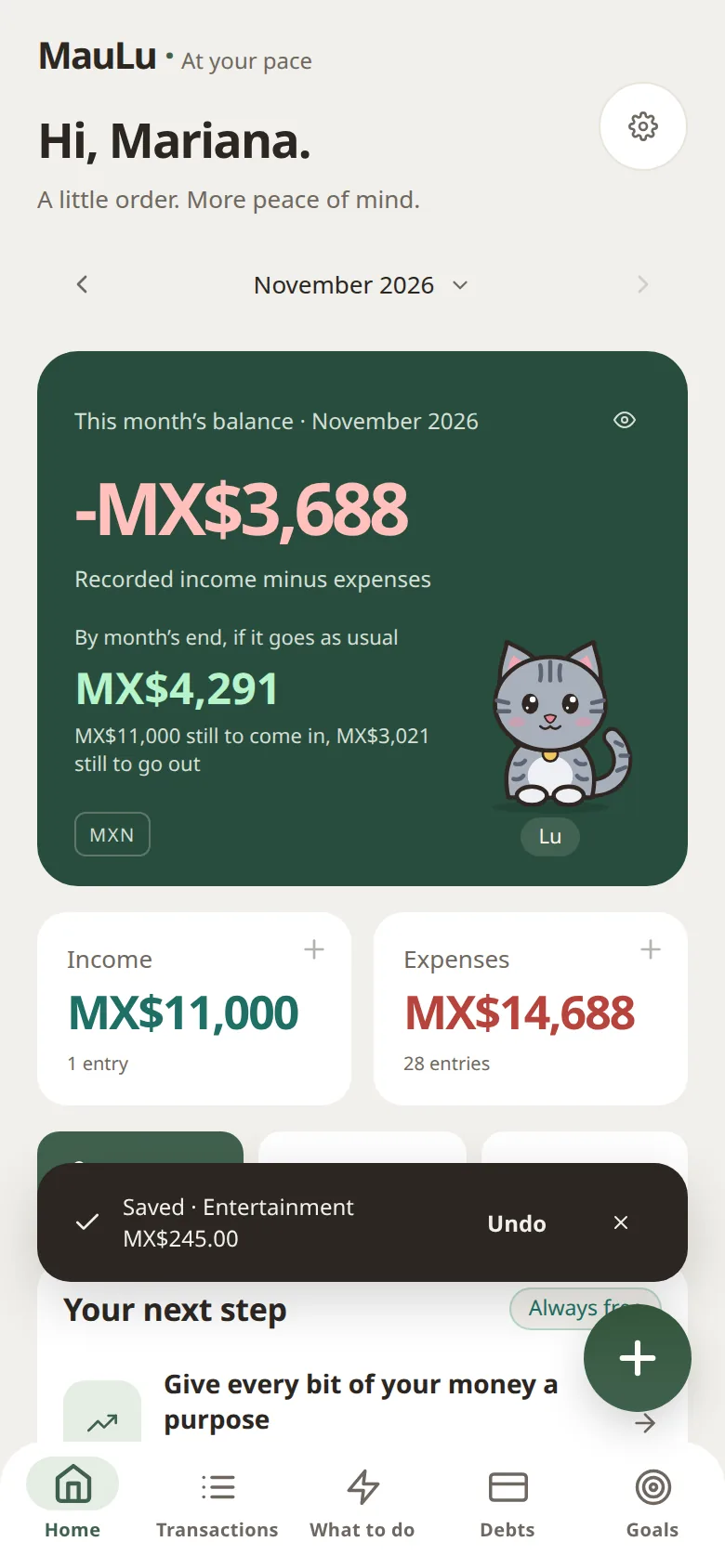
Say it 🎙️
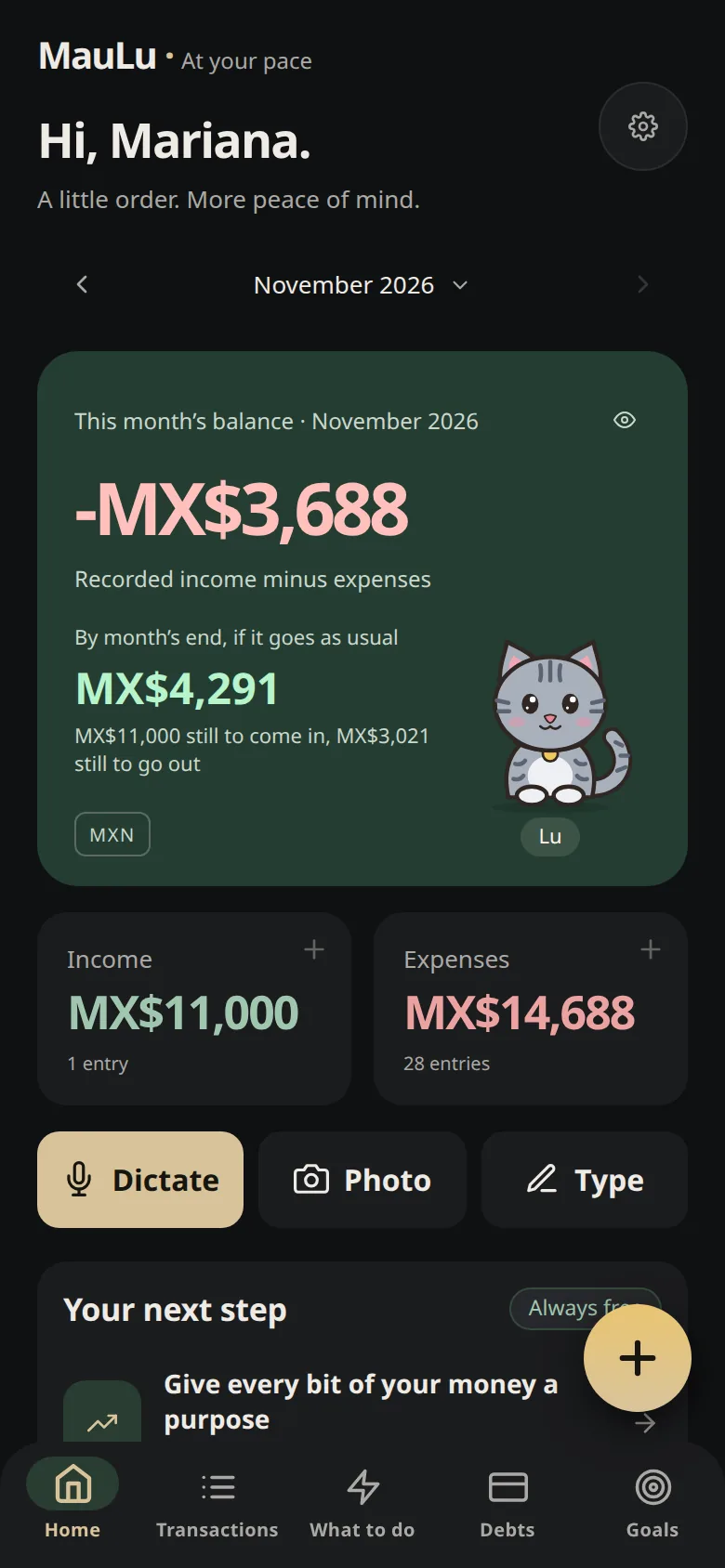
Tap Dictate, press and hold +, or use the app icon shortcut. MauLu understands how much, on what and when, and saves it.
“Food 50 dollars”Say it, snap the receipt or type it. MauLu logs it, explains your numbers and helps you save for what you want.
Logging is why people quit money apps. So there are three ways to do it, and each takes seconds.
Tap Dictate, press and hold +, or use the app icon shortcut. MauLu understands how much, on what and when, and saves it.
“Food 50 dollars”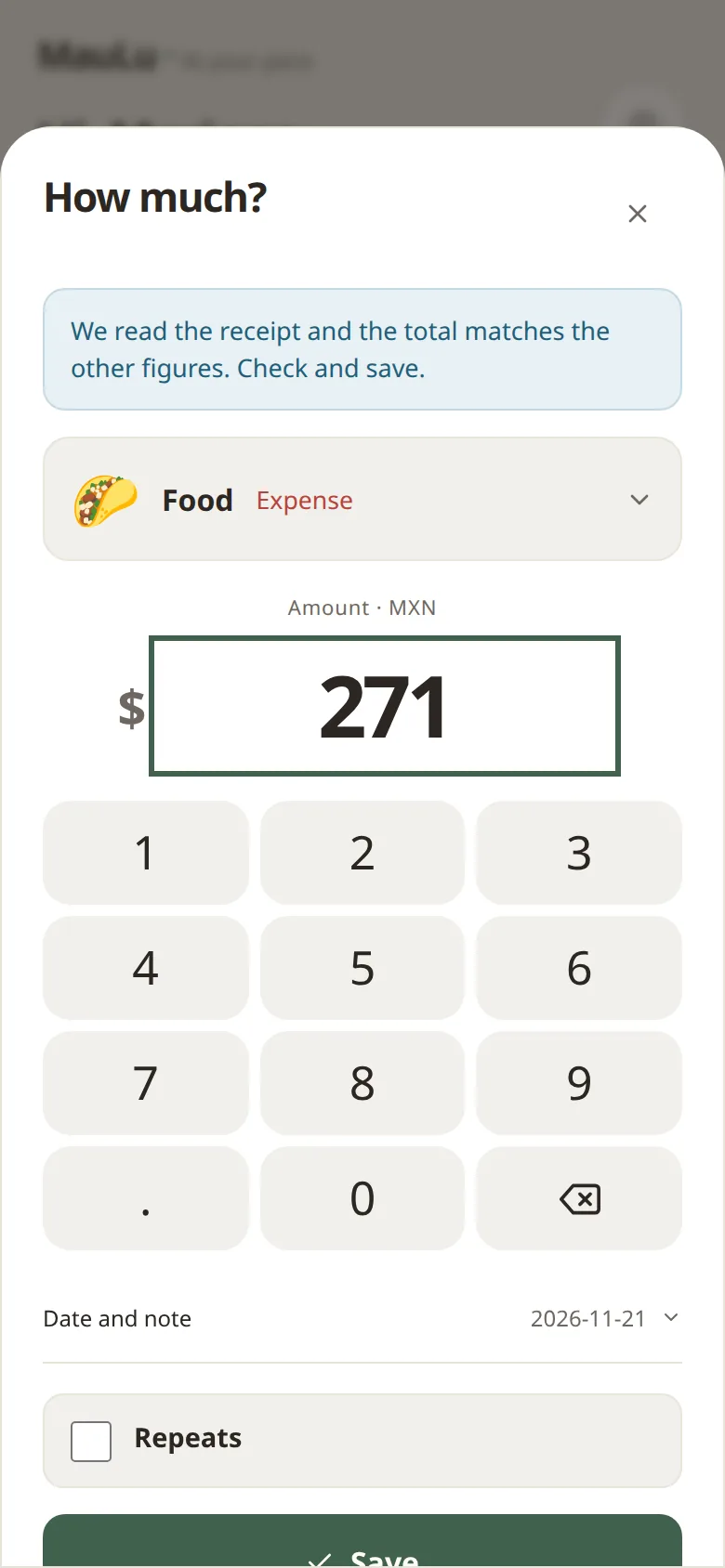
It reads the total —not the cash given or the subtotal—, the date and the shop, and suggests the category. You just check.
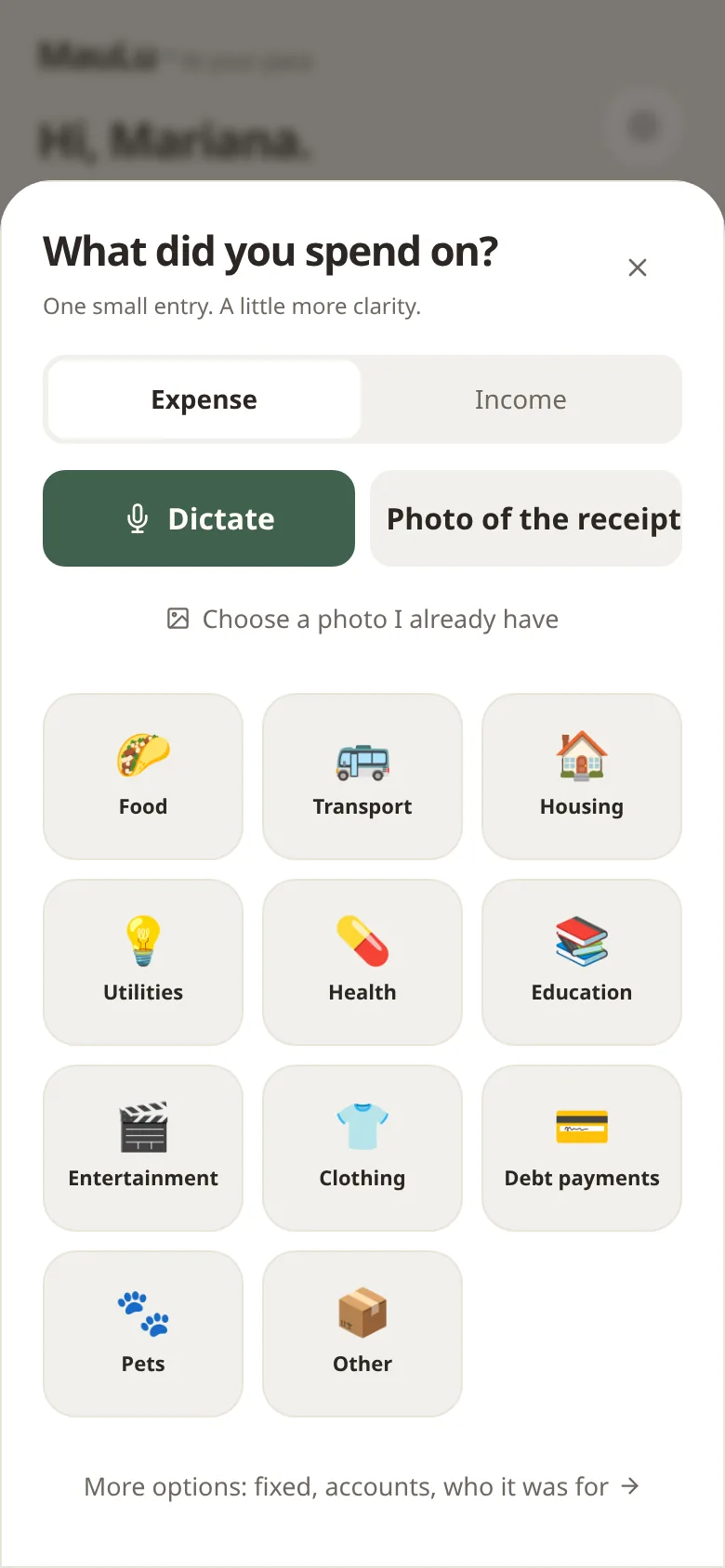
Big categories, its own number pad, and anything that repeats logs itself: rent, Netflix, your paycheck.
Start in Beginner with the basics and level up when you want to see more. Your data stays the same.
Paydays on the 15th and month’s end, and a month-end view that counts what’s still coming in.
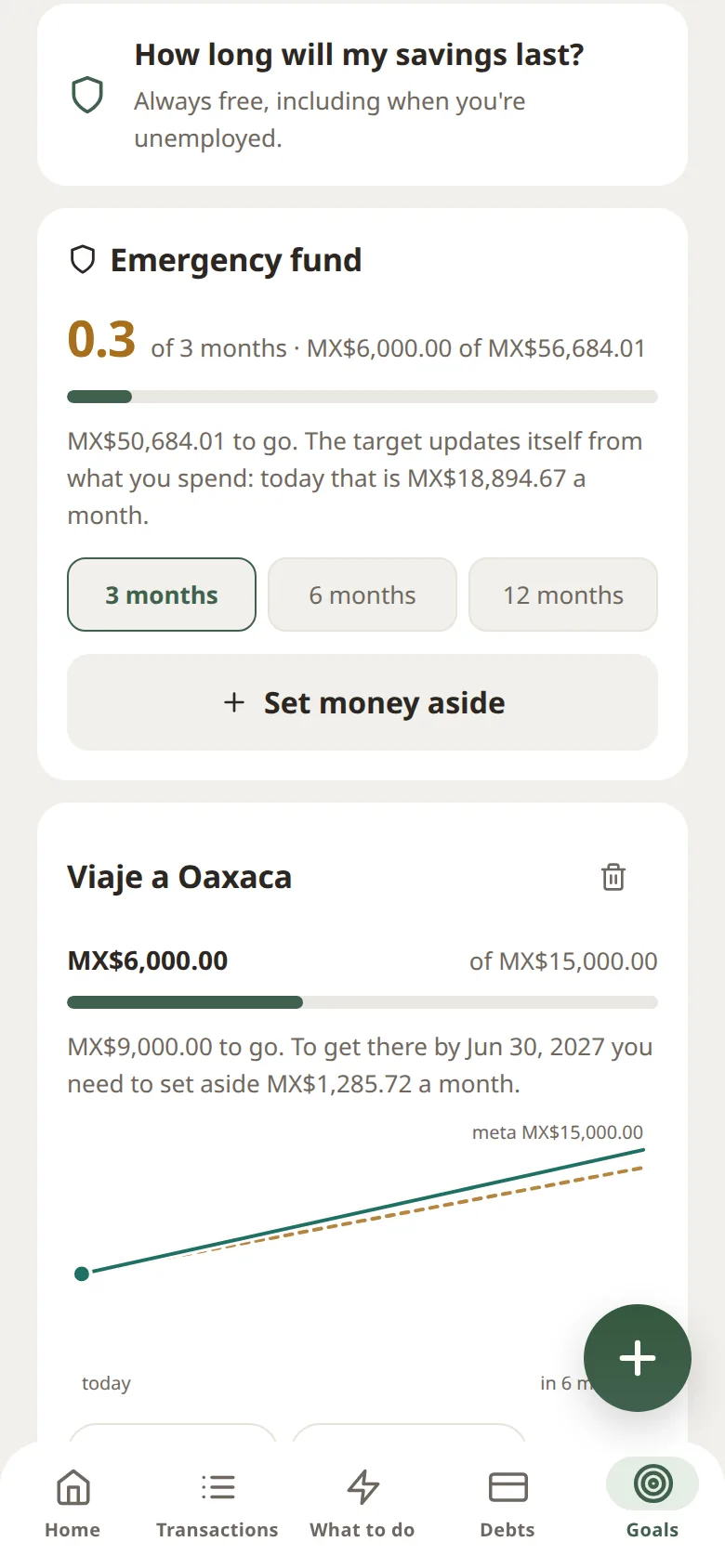
Templates for your trip, your cushion or your next home, and how much to set aside each month.
Sized from what you spend and the surprises you’ve already had, not a generic rule.
How much of each payment is interest, when you’re done, and which one to attack first.
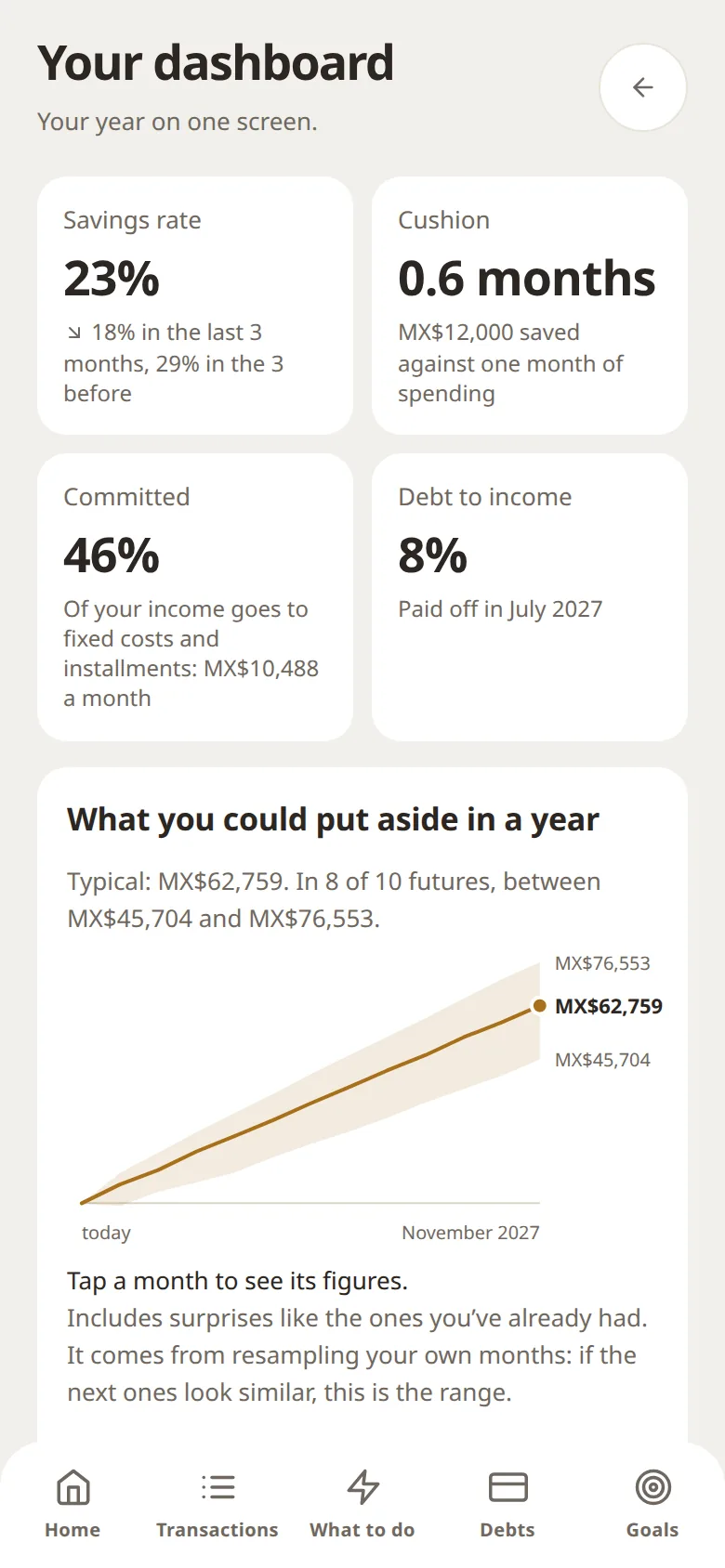
How much you could put aside in a year, with its range, and what’s due in the next 30 days.
Ask how you’re doing or what to improve. Every answer comes from your own numbers.
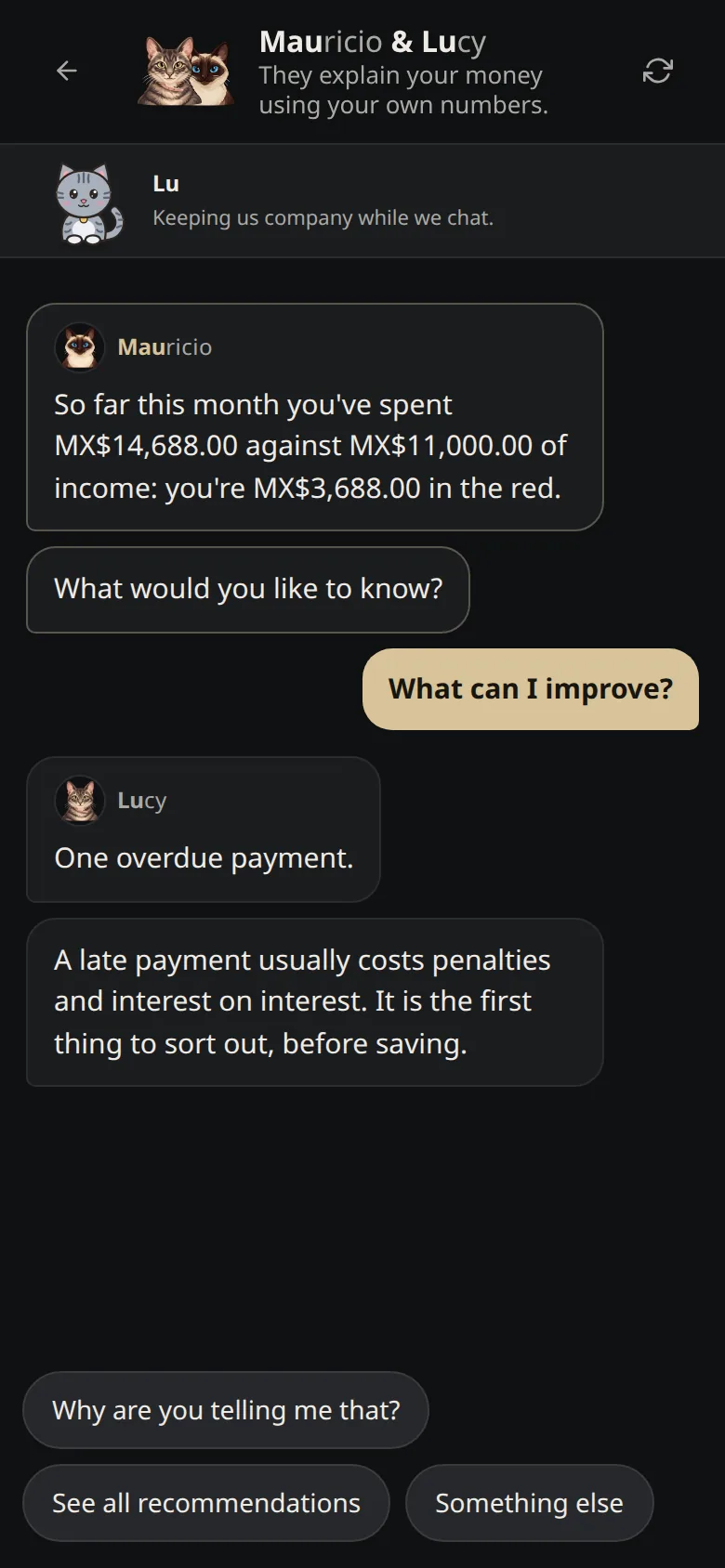
MauLu is named after Mauricio and Lucy, my cats. They’re the voice of the app: Mau tells you what happened with your money and Lu tells you what to do.
I build it in Mexico and I’m testing it with the first people now. If you join, what you tell me shapes what comes next.


The basics are free forever. Expert is for seeing further ahead.
Tap Dictate on Home, press and hold the + button, or long-press the MauLu icon and choose “Log by voice”. Say something like “spent 45 at the movies” or “got paid 2,000”. MauLu understands the amount, whether it came in or went out, the category and the day (“yesterday”, “on Friday”). If something isn’t clear, it lets you check before saving.
Google doesn’t yet let Gemini log data inside any app; we’ll add it when they open it up. Meanwhile, the app icon shortcut takes you straight to dictation.
Your records are stored on your phone. There’s no account to create and no bank connection. From Settings you can export an encrypted backup whenever you want. Details are in the privacy notice.
No. MauLu works with what you log, by voice, photo or hand. You decide what you record and nobody else sees your bank accounts.
Beginner and Intermediate are free. Expert will cost MXN $60 a month once the app is published, and it’s free during the test.
Android only for now, from version 7.
MauLu is in a closed test on Google Play. We’re looking for Android users who’ll use it for two weeks and tell us what to improve.
Done. We’ll send you the test link.
The test list opens very soon.